UTM GENERATOR · FREE EXCEL DOWNLOAD

Stop building campaign URLs by hand.

Pre-built UTM generator spreadsheet with auto-formulas, drop-down validation, and a campaign log for your whole team. Consistent URLs from day one, clean attribution data in GA4.

Free · .xlsx format · No macros

See what's inside →
The problem

One typo breaks your entire attribution.

A capital letter, a space, an inconsistent campaign name — and GA4 splits the same channel into multiple sources. Manual UTM building guarantees this will happen.

01

"Linkedin" and "linkedin" are two different sources in GA4.

Everything must be lowercase. One capital letter silently splits the same channel in your reports and there's no warning when it happens.

02

Changing a campaign name mid-launch breaks the report.

utm_campaign must be locked before you share the first link. Once it changes, GA4 sees two separate campaigns and the data splits permanently.

03

Without a log, you can't audit or avoid reusing campaign names.

Every new link needs to be logged before it goes live. No log means no way to check if a campaign name was already used, or to reconstruct what went out and when.
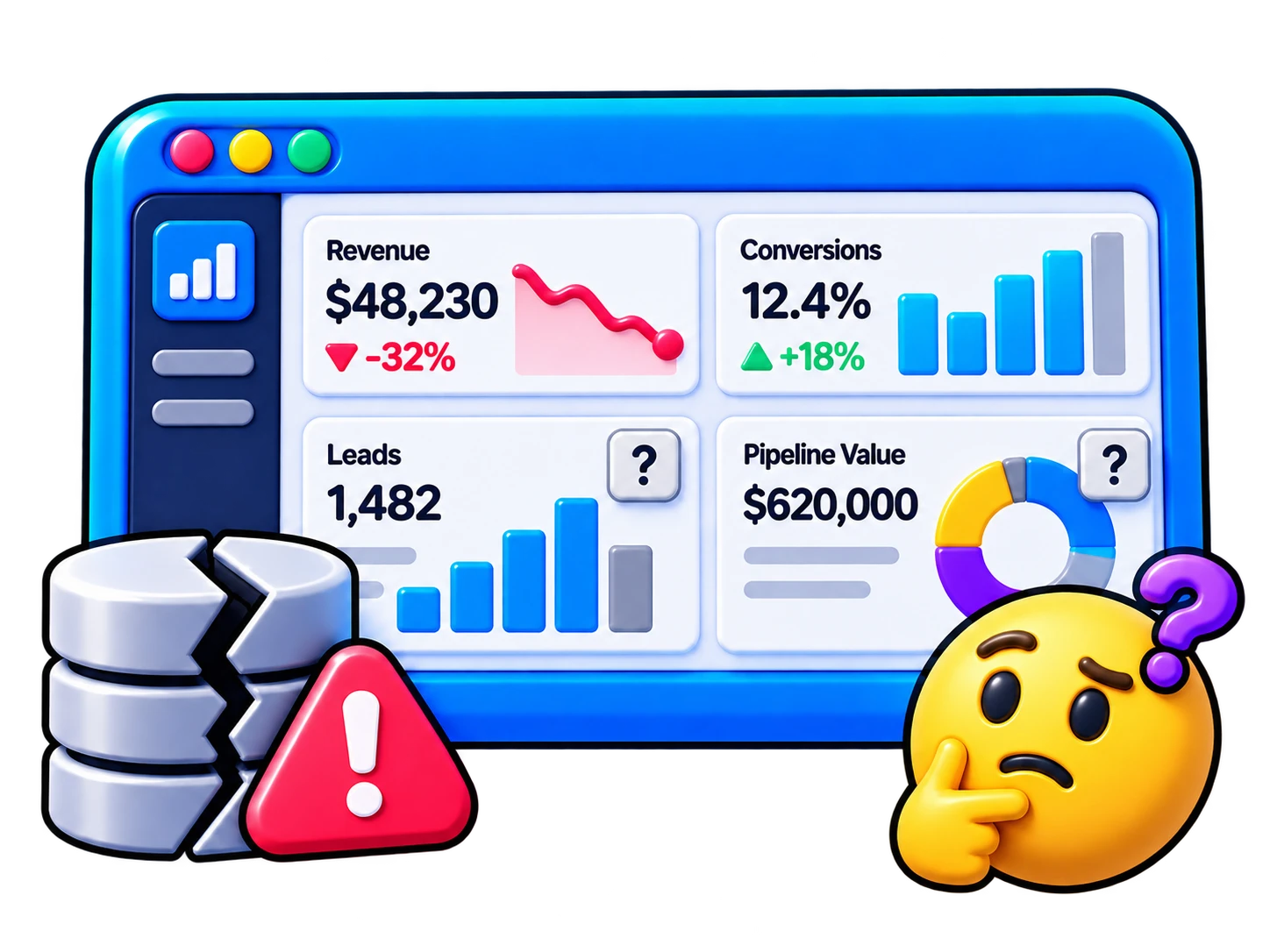
Dirty data from inconsistent UTM tracking

One shared file. Same naming convention. Clean data from every campaign.
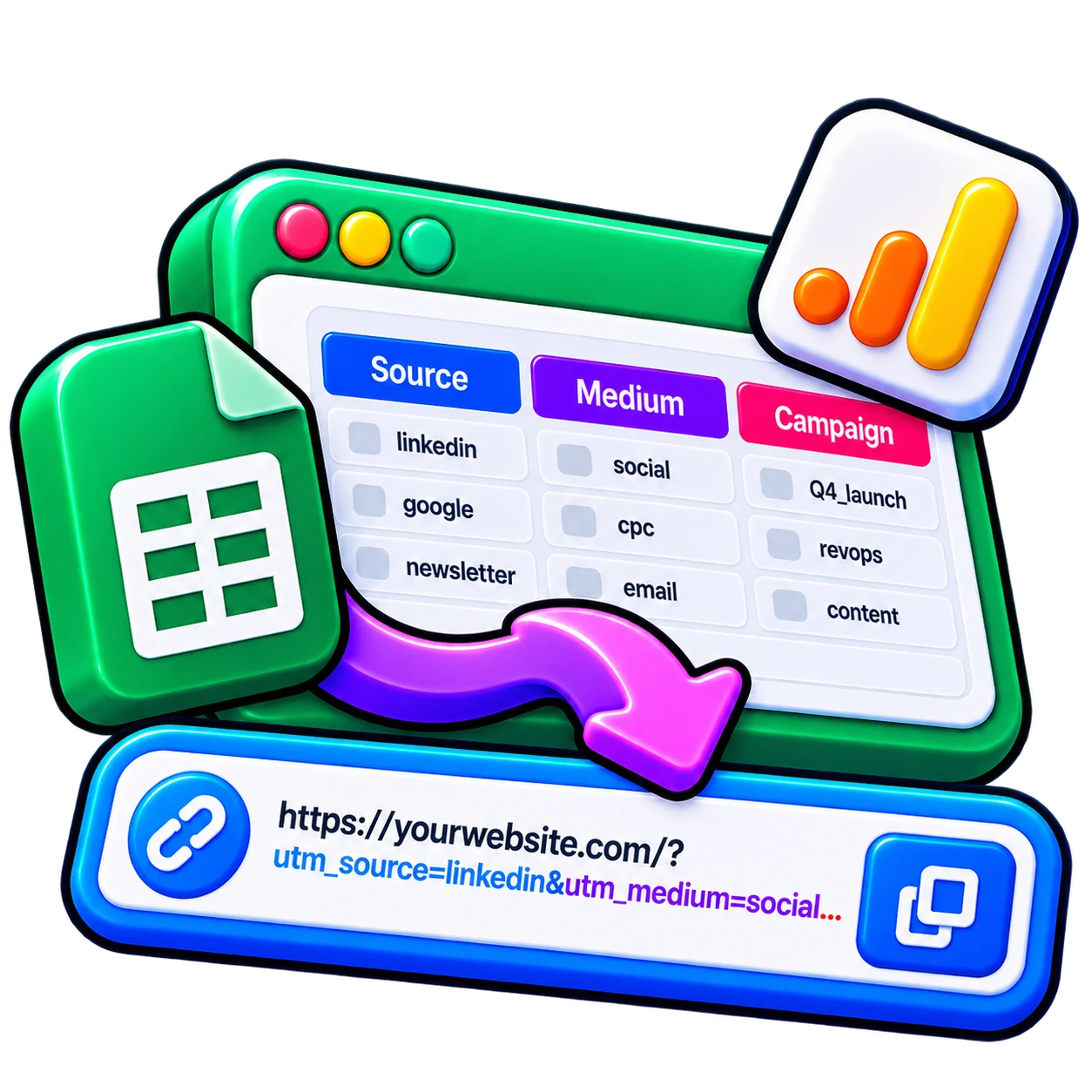
What's inside

Three tabs. Everything your team needs.

The Generator builds the URL. The Log keeps the record. The Guide tells your team exactly which source and medium to use for every channel — LinkedIn, email, Google Ads, cold outbound and more.

UTM URL generator tab
Campaign log tab
Naming conventions tab
UTM reference guide tab

Clean attribution. Done in one session.

1

The Generator tab auto-builds the URL with lowercase enforcement and space-to-underscore conversion. Fill 5 fields, copy the link. Zero typos possible.

2

The UTMs Log keeps every campaign in one record: date, base URL, all 5 parameters, and the full output URL. Useful for audits and for not reusing campaign names by accident.

3

The UTM Guide tells your team the exact source and medium for each channel: LinkedIn, email, cold outbound (Clay/Apollo), Google Ads, Meta, referral, and webinar.

Free forever · .xlsx format · Works in Excel and Google Sheets

Free download

Get the spreadsheet free.

Enter your work email to get started.

What's included

1The Generator — auto-builds the URL from 5 fields with lowercase + underscore enforcement
2UTMs Log — 8-column campaign record (date, base URL, 5 UTM params, full output URL)
3UTM Guide — source/medium table for every channel + 5 rules that keep GA4 data clean

Please use your work email (no Gmail, Outlook, etc.).

Work email required. No spam, ever.

✅

Your download started!

Check your inbox. A copy is on its way to .

Start with the URL Generator tab.
Make a copy before editing in Google Sheets.
Share the file with your team so everyone uses the same naming.
⬇ Download again